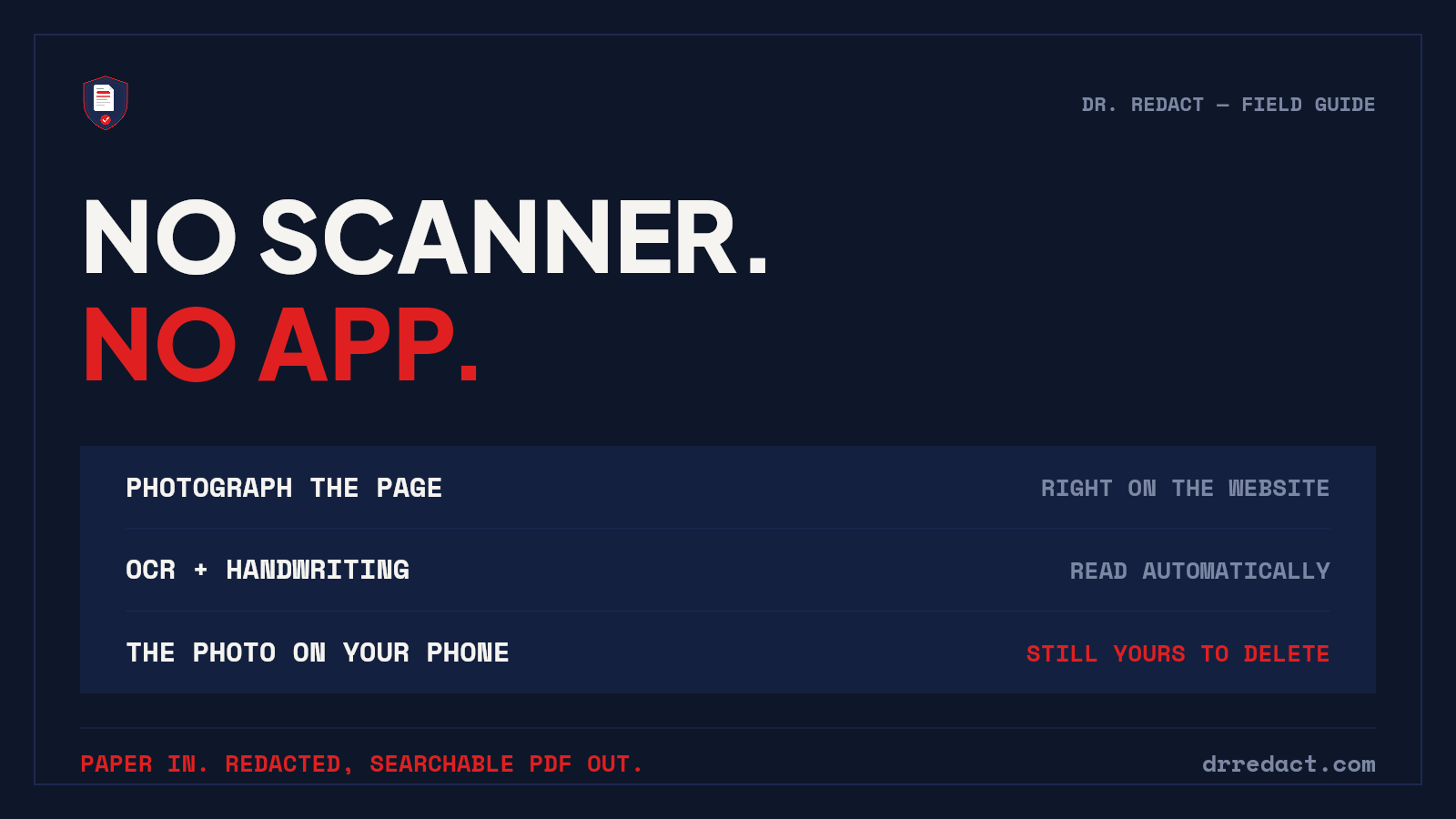
We just shipped a feature I've wanted since day one — and I tested it by photographing documents crooked on purpose.
Here's a workflow nobody talks about: someone needs a signed document NOW, so an office manager photographs it and texts or emails it. That photo — full of SSNs, dates of birth, account numbers — now lives in a camera roll, a text thread, and an inbox. Forever.
Dr. Redact now closes that gap, straight from your phone's browser:
📷 Tap "Scan with your camera" on the upload page
📄 Snap each page — they become one PDF, built entirely on your device
🔍 The AI scans for 65+ categories of sensitive data — and yes, it reads crooked photos and handwriting
✅ You review every detection and can draw extra boxes with your finger
🔒 Process it: redactions burned in at the pixel level and the original destroyed
What comes back: pages with redactions are rebuilt as images, then read again with OCR from that redacted image. Only the words that never touched a redaction box are laid back as an invisible text layer, so search, select, and copy-paste work for those words. The redacted words are not written into the file in any form.
Audit certificates start with the Standard Pack at $9.99; the free trial and the $3.99 Starter Pack do not include one.
The detail I'm proudest of: Dr. Redact never asks for camera or photo-library permission. Your phone's own camera app takes the pictures and hands over only the shots you choose. We can't see your camera roll — by design, not by policy.
No app to install. No scanner. Just drredact.com in the browser you already have.
I tested this today on an iPhone and an Android, with intentionally tilted, badly lit photos. It caught the PII anyway.
Paper doesn't have to be the weak link.
#DocumentSecurity #DataPrivacy #LegalTech #redaction