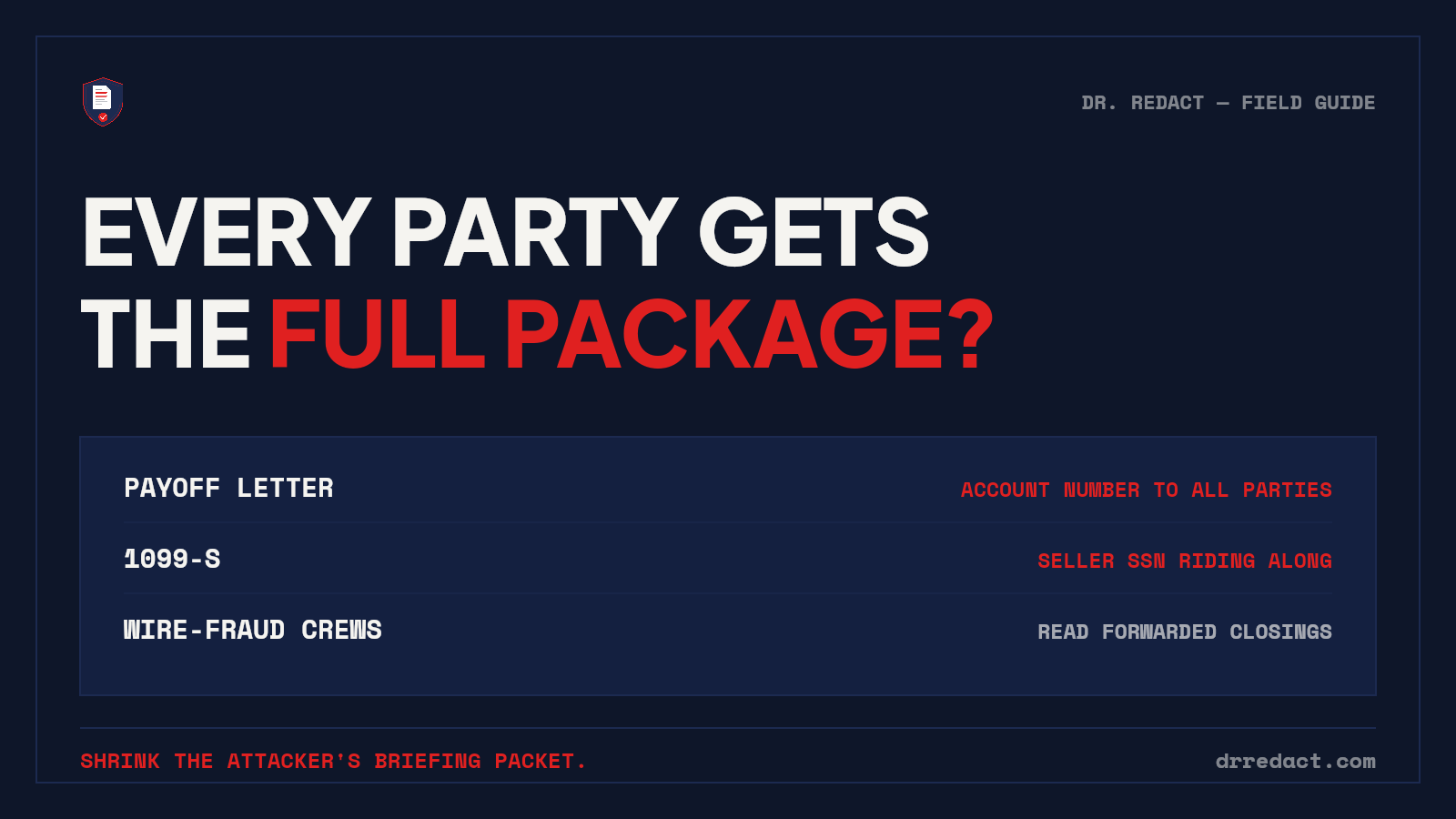
Having spent years on the receiving end of commercial real estate closings, I saw the same pattern repeatedly: someone would send the "full closing package" to buyers, sellers, brokers, attorneys, lenders and other participants, because everyone needed the closing docs. What took me longer to appreciate was that everyone may need a closing document, but they rarely need every piece of information contained in the master closing file.
That difference, between the information a title or escrow company needs to maintain and the information a particular recipient actually needs, is where unnecessary exposure starts. For title and escrow teams, document redaction isn't simply about finding Social Security numbers. It is about controlling what sensitive information leaves the closing file in the first place.
The master closing file and the distribution copy are not the same thing
Closing files are information-dense by necessity. They can contain Closing Disclosures, ALTA Settlement Statements, payoff statements, wiring instructions, tax documents, identification, powers of attorney, trust documents, loan information, signatures and other records containing personally identifiable information (PII) or nonpublic personal information (NPI). The organization may have legitimate legal, contractual, underwriting or operational reasons to retain that information. That doesn't mean every recipient needs it.
A useful way to think about closing documents:
- Master file: the authoritative transaction record your organization maintains.
- Working copy: information used internally to process and complete the transaction.
- Distribution copy: the version being provided to a buyer, seller, agent, vendor or other third party.
- Public copy: a version being prepared for recording or another form of public disclosure.
The question changes from "Does this document contain sensitive information?" to "Does this recipient need this sensitive information?" That is a much better privacy question.
What PII and NPI appear in real estate closing documents?
Real estate closing documents may contain Social Security numbers, taxpayer identification numbers, bank account numbers, routing numbers, loan numbers, driver's-license numbers, signatures, home addresses, dates of birth and other financial or identifying information.
Closing Disclosures and settlement statements
Closing Disclosures and settlement statements can contain loan information, property details, transaction amounts, addresses and other financial information, and not every participant automatically needs every field.
ALTA has addressed this directly. Its guidance on sharing closing documents notes that the TRID rule doesn't say who may receive a copy of the Closing Disclosure, that lenders' closing instructions often prohibit sharing it, and that ALTA points to its Settlement Statements as an alternative when the Closing Disclosure should not be shared with third parties. ALTA provides separate buyer, seller, combined and cash settlement statement forms and notes that they may be modified as appropriate to prevent unnecessary disclosure of buyer or seller NPI.
That's an important distinction. Sometimes the right solution isn't to withhold the transaction information someone legitimately needs. It's to provide the transaction information without the unrelated sensitive information they don't need.
Payoff statements
Payoff statements are another obvious example. Depending on the lender and document format, they may contain:
- loan or account numbers
- outstanding balances
- per-diem interest
- borrower information
- property information
- lender contact information
- payment or wiring details
A broker, agent or other transaction participant may have a legitimate reason to know that a payoff occurred or what amount was charged at closing. That does not necessarily mean they need the seller's complete loan account information. There is a meaningful difference between confirmation-grade information and a complete source document containing NPI.
1099-S and tax reporting documents
The Form 1099-S workflow requires sensitive tax information. For an individual seller, the taxpayer identification number may be a Social Security number or another TIN. IRS rules require the reporting person to obtain the transferor's complete TIN, maintain certain records and furnish the required statement to the transferor.
That information belongs in the tax reporting workflow. It does not follow that the same TIN should ride along inside a broadly distributed closing package. The principle is simple: required collection does not equal unrestricted distribution. The IRS itself recognizes that distinction: a transferor's TIN may be truncated on the payee statement even though the full TIN must be reported to the IRS.
IDs, powers of attorney and trust documents
Identification documents deserve particular attention because a driver's license or similar ID can combine multiple identifiers in one place:
- full legal name
- home address
- date of birth
- driver's-license number
- photograph
- signature
Powers of attorney, affidavits, trust-related documents and their exhibits may contain additional addresses, signatures, identification information or other personal details. These documents frequently move between multiple people during a transaction. That makes them worth reviewing not only for whether the document itself should be shared, but also for whether every identifier inside it needs to accompany the copy being distributed.
Wiring instructions require another level of caution
For title and escrow, privacy risk has an unusually immediate financial dimension: wire fraud. ALTA's 2025 cybercrime study reported that more than 40% of surveyed title companies received at least one email per month in 2023 attempting to change wiring or payoff instructions.
Secure portals, multifactor authentication, employee training and independent wire verification remain essential controls. Redaction doesn't replace any of them. It addresses a different question: if another control fails, how much useful financial information is sitting inside the documents an attacker gains access to?
A compromised mailbox containing complete closing packages may provide names, transaction details, balances, account information and other context an attacker can use when constructing convincing communications. Reducing unnecessary sensitive information in distributed copies is therefore another layer of defense. You're shrinking the information available if something else goes wrong.
This is already part of the title industry's privacy framework
Data minimization is not a foreign concept to title and settlement companies. The Gramm-Leach-Bliley Act established privacy and safeguarding requirements for financial institutions, and ALTA has long advised that those obligations apply to title insurers and agents.
ALTA's Best Practices address the same issue directly. Pillar 3 is focused on protecting NPI, including written information-security practices, access controls, disposal, employee training and oversight of service providers that may receive customer information.
Redaction should not be viewed as a replacement for encryption, secure portals, written information security plans or access controls. It is another control: limit unnecessary NPI before a document leaves the environment you control.
The third-party problem
Closing documents rarely stay entirely inside the title company. Depending on the transaction, copies may be handled by:
- real estate agents
- mobile notaries and signing professionals
- attorneys
- lenders
- underwriters
- accountants
- auditors
- 1031 exchange professionals
- outside vendors
- post-closing or quality-control providers
ALTA Best Practices also address oversight of third-party service providers that have access to NPI. But there is a useful question that comes before asking whether every outside recipient can adequately protect every piece of customer information: does this recipient need this information at all? If the answer is no, removing unnecessary NPI from the distribution copy can reduce exposure before that document ever reaches the third party.
The public-record trap
Recording creates a different kind of privacy risk. Deeds, powers of attorney, affidavits and exhibits submitted for recording may become publicly accessible. Privacy, shielding and redaction rules vary by state and jurisdiction, and some recorder systems provide their own protections for particular identifiers. But the recorder should not be the first privacy control in your workflow.
Before submission, review the document and every exhibit for personal information that should not appear in the version being recorded. A sensitive identifier buried on page 42 of an attachment can matter just as much as one sitting on page one. Public-record preparation deserves its own deliberate review pass.
What a better closing-document workflow looks like
A practical information-control workflow doesn't require stripping useful information from every document. It requires separating retention from distribution.
In the authoritative file: retain what your legal, regulatory, contractual, underwriting and company policies require, under the organization's appropriate NPI safeguards.
Before a copy leaves the file, ask:
- Who is receiving this copy?
- What information do they actually need?
- What NPI or PII is present that they do not need?
- Does company policy permit the disclosure?
- Can the necessary transaction information remain while unrelated identifiers are removed?
That can produce very different copies of the same underlying transaction document: the buyer's copy, the seller's copy, the agent's copy, the auditor's copy, the recording copy. Same transaction, different legitimate information needs.
Think in terms of recipient-specific copies
This is where redaction becomes more useful than simply drawing black boxes over Social Security numbers. Imagine a settlement statement being prepared for a real estate agent. The agent may need:
- property address
- settlement date
- sales price
- commissions
- transaction charges
- other deal information relevant to their role
They may not need:
- complete bank account numbers
- routing numbers
- taxpayer identification numbers
- driver's-license numbers
- unrelated loan identifiers
That distinction can guide the person reviewing the document. Software can detect the sensitive information. The human still decides what this particular recipient should receive, and that judgment shouldn't be outsourced to an algorithm.
How Dr. Redact fits the closing desk
Real closing documents are messy. They're not always pristine digitally generated PDFs. They include scans, faxes, lender forms, photographed pages, handwritten information and documents that have been passed between multiple systems. Dr. Redact was built for that reality.
Upload the PDFs and the system scans them for sensitive information using OCR, handwriting detection and 65+ detection categories, including Social Security numbers, bank-account numbers, routing numbers, identification information, addresses, signatures and other common forms of PII. But detection is not the final decision. Your escrow officer or reviewer sees the detected items and decides what should actually be removed. That matters because software can recognize an account number. It cannot know why this particular recipient is receiving this particular copy. That decision stays human.
Built for batches, not one PDF at a time
A closing desk rarely has one document waiting. Dr. Redact lets you select up to 20 PDFs at once or drop an entire folder into a batch. Choose the detection categories once for the batch, and each file uploads and scans automatically under the same batch label. Every document still receives its own review screen so the reviewer can make document-specific decisions before approving the final redactions, and when the last one is done, the whole batch downloads as a single zip. On plans from the Standard Pack up, each completed document also receives its own audit certificate.
That means a Thursday afternoon closing workload doesn't have to become upload, configure, scan, review, repeat, once for every file. Load the batch once. Let the documents scan. Review each one deliberately.
Redaction should actually remove the information
A black rectangle sitting over text is not necessarily redaction. If the underlying text layer remains inside the PDF, someone may still be able to copy it, search it, extract it or recover it. Dr. Redact applies approved redactions destructively at the pixel level. The unredacted processing copy is destroyed at processing, while the final redacted document remains searchable.
And there's a simple verification habit worth using with any redaction tool, including ours:
- Open the supposedly redacted PDF.
- Select the content around the redacted area and copy it.
- Paste it into a plain-text editor.
- Search for the sensitive value you removed.
If the supposedly redacted account number, SSN or other value still appears, the underlying text wasn't actually removed. That's not redaction. It's concealment. One caveat: passing this test proves the approved items were removed, not that everything was found. That's what the review step is for. Our full verification guide walks through it.
Quick answers
Doesn't secure email or portal delivery solve this? Secure delivery protects the document in transit, and properly designed systems can add important access controls. But secure transmission and information minimization solve different problems. Once an authorized recipient receives and downloads a document, the information inside it may be copied, stored or forwarded according to whatever happens next. Encryption answers "How are we delivering this?" Redaction answers "What are we delivering in the first place?" A mature information-security program can use both.
Should title companies redact their master closing file? Not simply because a field appears sensitive. The authoritative transaction file may contain information your organization must preserve because of legal, regulatory, contractual, underwriting or retention requirements. The stronger use case is often the copy leaving that authoritative file. Maintain what you're required to maintain. Control what you distribute.
Should every agent receive a redacted Closing Disclosure? That isn't a decision software should make. Applicable law, lender instructions, company policy, consumer consent and the recipient's legitimate information needs can all affect what should be shared. When a Closing Disclosure should not be shared with a third party, ALTA's guidance identifies its Settlement Statements as an alternative way to provide necessary transaction information while reducing unnecessary NPI disclosure. Dr. Redact helps execute the decision. It doesn't make the legal decision for you.
What about documents headed to public record? Treat them as a separate review workflow. Recording and privacy rules vary by jurisdiction, but checking the complete document, including attachments and exhibits, before submission is far safer than relying on a downstream recorder process to find something you missed.
Is this practical at closing-desk volume? That's why batch processing matters. Upload as many as 20 PDFs at once or drop in a folder, choose the detection categories once, let the batch scan automatically, and then review each document individually. You keep human approval without manually configuring every document from scratch.
The closing-file question worth asking
Title and escrow professionals already spend enormous effort protecting money, verifying wiring instructions, controlling access and safeguarding client information. Document distribution deserves the same discipline.
Before the next full package goes to "all parties," ask one question: does everyone receiving this document actually need everything inside it? Sometimes the answer will be yes. Often it won't. And when it isn't, the safer document isn't necessarily the one you keep. It's the one you send.
Try the distribution-copy test yourself. Run our sample document or a de-identified closing package through Dr. Redact and see what sensitive information appears before that file leaves your closing desk. Your first 10 pages are free, and no credit card is required.