If you're searching for this, you've probably hit one of two walls: Acrobat Pro costs about $20 a month for a feature you need four times a year, or you opened the free Acrobat Reader and discovered the Redact tool isn't in it.
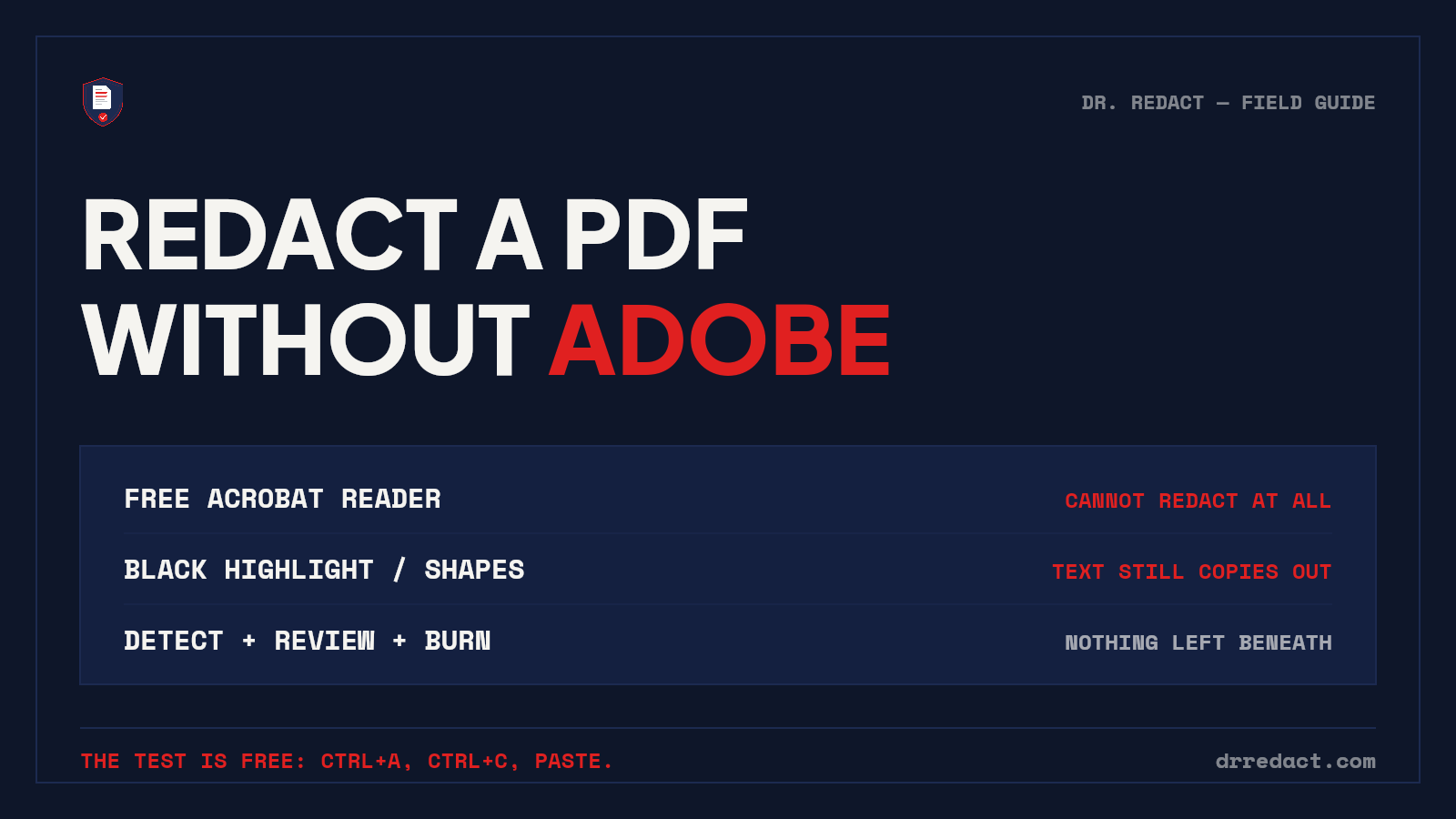
That second one surprises people, so let's settle it first: the free Adobe Reader cannot redact. It can highlight, comment, and sign — but the Redact tool is a Pro feature. Drawing a black highlight or a filled rectangle in Reader covers text without removing it, which is precisely the failure that has leaked names in court filings. If someone tells you they redacted a PDF in free Acrobat, run the test below on it before you trust it.
The 30-second test that beats any tool debate
Whatever replaces Acrobat has to pass this:
- Open the redacted PDF, press Ctrl+A, then Ctrl+C.
- Paste into Notepad and search for what was redacted.
- Then press Ctrl+F inside the PDF and search for the redacted terms directly.
If either search finds the hidden text, the redaction is decorative. Everything below gets judged by this standard — including us. (For the full method comparison and verification checklist, see our complete guide: How to Redact a PDF in 2026.)
What doesn't work: the built-ins people reach for first
- macOS Preview — its markup rectangles sit on top of live text. Preview does have a true Redact tool in recent versions, but the markup shapes people usually grab are not it, and the two look identical on screen. If you use Preview, use the actual Redact command, then run the test anyway.
- Microsoft Word — opening a PDF in Word, drawing black shapes, and re-exporting leaves the text in the file. Word's black highlight is formatting, not removal.
- Browser PDF viewers and annotation apps — same story: annotation layers, live text underneath.
None of these fail loudly. The file looks perfect, which is what makes this category dangerous.
"I just have ChatGPT do it" — the option everyone suggests
This has become the most common answer in the room, so it deserves a straight treatment. Three problems, one legitimate use:
The upload is the breach. To redact a document with ChatGPT, Claude, or Gemini's consumer chat, you first send the unredacted document to that company — a consumer service with no BAA, retention settings you may not control, and possible human review. If the document contains client data or PHI, the confidentiality problem occurs at upload, before a single redaction happens. You disclosed the document in order to redact it.
You don't get your document back. Chat tools don't operate on the PDF — they retype it. What comes back is a rewritten text with [REDACTED] placeholders: formatting gone, signatures gone, and no longer the original document at all. A retyped contract is not the contract. And because language models paraphrase by nature, there's real risk that text you never asked it to touch changed quietly in transit — a date, an account digit, a clause.
No proof, no repeatability. The output differs run to run, the miss rate is unknown and unmeasurable, and there is no record of what was removed. "The chatbot said it got everything" is not a sentence to rehearse for an auditor.
The legitimate use: chat AI is genuinely good as an advisor — "what categories of sensitive data appear in a lease?", drafting your redaction checklist, explaining what FRCP 5.2 requires. Advisor, yes. Operator, no.
Worth being clear since we build in this space: purpose-built tools (ours included) use AI too — the difference isn't the intelligence, it's the plumbing around it. Detection inside a pipeline covered by signed agreements, every finding routed to human review, removal performed by pixel-level burning of your actual document, and a certificate recording what happened. The problem was never AI. It's a consumer chat window acting as a document processor with no agreements, no removal mechanics, and no evidence.
Free option 1: online redaction tools
Plenty of browser-based tools will redact a PDF at no cost, and for low-stakes documents some are perfectly serviceable. Three things to check before uploading:
- Where the file goes. You're uploading the unredacted document — the one full of the data you're protecting — to someone else's server. Read the retention policy before you trust it with anything you'd mind leaking.
- Whether it removes or just draws. Some free tools only add rectangle annotations. The copy-paste test is non-negotiable.
- What the output looks like. Some tools flatten pages to images. The text is genuinely gone — along with searchability, screen-reader access, and reasonable file sizes.
Free option 2: LibreOffice
LibreOffice — the free, open-source office suite — includes a genuine redaction feature (Tools → Redact) that exports a sanitized copy. It's real removal, it's free, and it runs locally so nothing gets uploaded anywhere.
The trade-offs are the manual ones: you find every sensitive item yourself, the workflow takes some learning, and the redacted export is rasterized — pages become images, so the output isn't searchable. For an occasional single document where privacy matters more than convenience, it's a legitimate answer.
Free option 3: paper, marker, phone
If the document is short or already on paper, the analog route still works: print, black out with a chisel-tip marker, photocopy the marked page, scan the copy. Slow, unsearchable, reliably irreversible.
The modern version skips the scanner entirely: photograph the pages with your phone and run detection on the photos. We wrote a full walkthrough: How to Redact a Paper Document with Your Phone.
The paid alternative: AI detection with human review
Here's the honest framing of what you give up by leaving Acrobat: not removal quality — several free options above remove properly — but finding. To be fair to Acrobat Pro, it ships a Search & Remove Text tool with a handful of built-in patterns (phone numbers, SSNs, dates) that works well on clean typed text when you already know what you're hunting. The free options don't even have that — they redact what you personally notice. Either way, on page 23 of a scanned loan file at the end of a long day, a keyword list plus your tired eyes is the weak link.
That's the problem Dr. Redact is built around, and it's why we'd argue the real Acrobat alternative isn't a cheaper rectangle tool — it's a different division of labor:
- The engine finds. 65+ categories of sensitive data — SSNs, account numbers in the formats banks actually print, medical record numbers, addresses, signatures, API keys — across typed text, scans, handwriting, and phone photos. We publish a 645-item benchmark scorecard instead of an accuracy adjective, including the misses.
- You decide. Every detection waits for your approval. Nothing is removed without a human saying so — any tool that skips this step is selling you a future incident.
- The burn is permanent. Pixel-level removal, original destroyed at processing, output still searchable, audit certificate on every plan from the Standard Pack up.
Your first pages are free with no card, so the copy-paste test costs you nothing to run on our output.
Which option fits you
- One page, once, nothing sensitive about the source → a reputable free online tool, verified with the test.
- Occasional documents, privacy-critical, comfortable finding items yourself → LibreOffice locally, or the paper-and-phone method.
- Regular volume, other people's data, or documents where a miss has consequences → detection plus human review. That's us, or at minimum a workflow where finding isn't a solo human job.
- You already pay for Acrobat Pro and redact rarely → keep it, use Sanitize Document too, and run the test on your own output once. You may be surprised how many "redacted" files in your outbox predate the habit.
Quick answers
Can the free Adobe Acrobat Reader redact a PDF? No. Redaction is exclusive to the paid Acrobat Pro. Anything that looks like redaction in free Reader is an annotation sitting on top of intact text.
Is there a completely free way to redact a PDF safely? Yes — LibreOffice's Redact tool (local, real removal, unsearchable output) or the marker-photocopy-scan method. Both are manual: the finding is entirely on you, and the verification test still applies.
Do online "free PDF redaction" tools actually remove the text? Some do, some only draw rectangles, and the interface won't tell you which. Copy-paste test, every time — and think hard before uploading documents containing other people's data.
Can ChatGPT redact a PDF? Not in any sense a professional should rely on. It retypes rather than redacts (the output isn't your original document), the upload itself discloses the unredacted file to a consumer service with no BAA, and there's no record of what was removed. Use chat AI to plan a redaction, never to perform one.
What's the catch with AI redaction tools? No detection engine catches everything, which is why the human-review step is mandatory — in our tool and in any tool worth using. Treat "fully automatic" and "100% accurate" as disqualifying claims, not selling points.